How to Set Up Project Billing Codes for Client Work
How to Set Up Project Billing Codes for Client Work
Clear billing codes help me turn logged hours into clean invoices. They also help me cut billing mistakes, review time faster, and explain charges when a client asks questions.
If I want a billing code setup that people will use, I keep it simple:
- Build codes in this order: client → project → phase or service
- Use clear labels like
Discovery,Design,Revisions,Meetings, andSupport - Set one code, one label, one hourly rate for each item
- Keep billable and non-billable time separate
- Review coded hours before invoicing
- Archive old codes so the list does not get messy
That matters because poor time tracking can leave 1.5% to 2% of revenue unbilled. Clear code labels also make invoices easier for clients to read and easier for managers to check.
Here’s the short version of what I’d do:
- Plan the structure first
- Pick only the code categories I bill for often
- Set naming rules the whole team can follow
- Create the codes in AllyTracker with hourly rates
- Have employees log time to the right code
- Check reports by code before sending invoices
- Deactivate old codes and control new ones
If I skip that setup, I usually end up with vague entries like GENERAL-WORK, slower approvals, and more back-and-forth with clients. If I keep the list short, specific, and tied to how I bill, the whole process gets easier to track from timesheet to invoice.
Design your billing code structure before setup
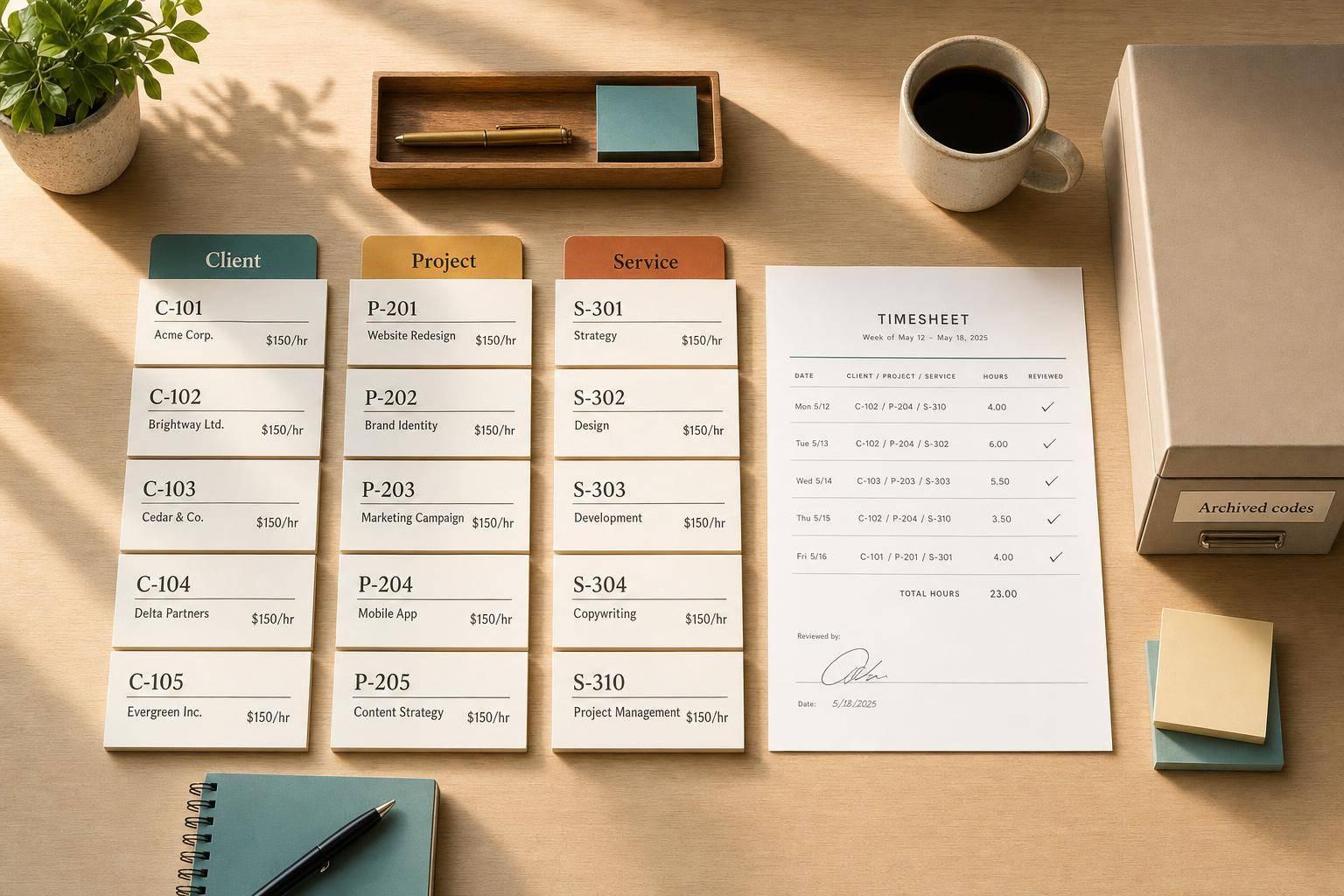
Before you create billing codes, map out the hierarchy first: client → project → phase or service type. That simple step keeps time entries tidy and helps you avoid duplicate codes. It also makes hours much easier to review by client and by type of work.
Choose the categories you need to bill on
Build your codes around the work you bill for most often. If a client needs discovery, design, revisions, meetings, and support billed on their own, each one should have its own code.
For example:
ClientA-Website-DiscoveryClientA-Website-DesignClientA-Website-RevisionsClientA-Website-MeetingsClientA-Website-Support
Each code ties straight to invoiceable work. That makes it easier to show clients exactly what they’re paying for. A good place to start is with the tasks that already show up again and again in timesheets. From there, trim codes that are too narrow or split codes that are doing too much. Billing code systems work best when they match actual usage patterns, not guesses.
Set naming rules your team can follow every time
Choose one naming convention and write it down before anyone starts using the codes. Use one unique code and one clear name for each item so team members can spot the right option fast.
Skip abbreviations that only one person understands. If you need a shorter client name, document that short form and use it the same way across every project for that client.
It also helps to assign one owner to maintain the list.
With the structure and naming rules in place, you can build the codes in AllyTracker.
sbb-itb-338a5ab
Set up billing codes in AllyTracker
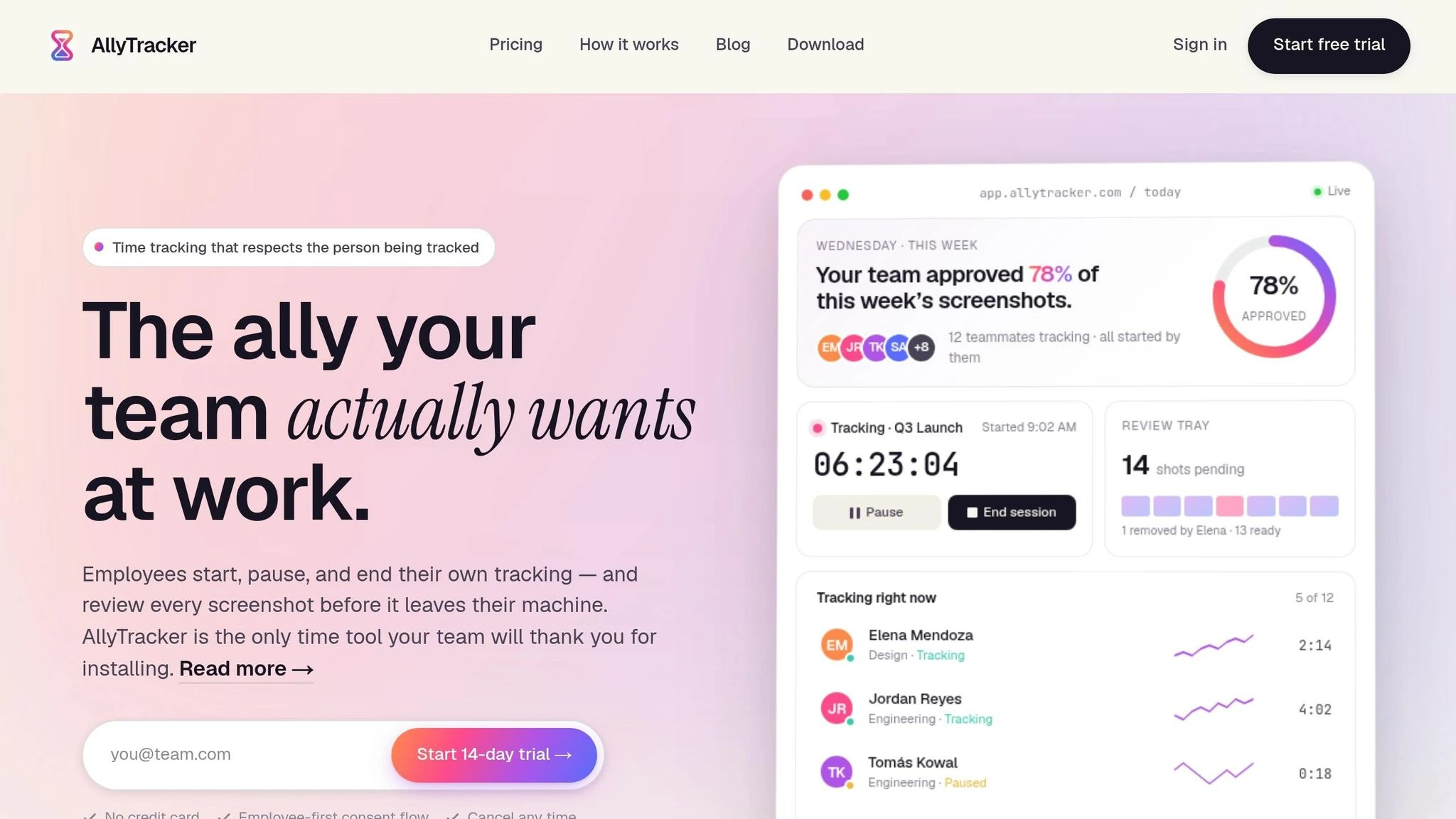
Create clients, projects, and billing codes
Start by creating the client and project. After that, add each billing code under the right project.
For every billing code, set up:
- one internal code
- one plain-language label
- a USD hourly rate
That hourly rate matters because it connects logged time to the right billable amount. You can also switch codes between active and inactive as project scope changes. Once a code is active, employees can pick it when they start tracking time.
Connect billing codes to employee-controlled time tracking
After the codes are in place, employees can use them while logging time. They can start, pause, and stop timers, then assign each session to the correct client, project, and service code. They can also add a short note so each entry has a bit more context.
AllyTracker also lets employees review screenshots before sharing them. That way, if something personal shows up, they can remove it before upload.
Use billing codes in timesheets, reports, and invoices
Generic Time Entries vs. Structured Billing Codes: Key Differences
Once time is coded, those same labels should follow the work all the way through review, approval, and billing. A structured code system turns a messy stack of time entries into a clean record people can actually use.
Review hours by code before billing
Before sending a client invoice, open the hours report in AllyTracker and filter by billing code. That makes it much easier to catch issues early, like hours logged to the wrong phase or a code used one way by one teammate and another way by someone else.
Approved screenshots and time entries add a second check for managers. You can verify that the work matches the code selected and flag anything that looks off before the invoice is sent. It also helps to reconcile hours weekly instead of waiting until the day before billing. Small mistakes stay small when you catch them early.
It helps to put one person in charge of this step, such as a project manager, so billing code review doesn't fall through the cracks before invoices go out.
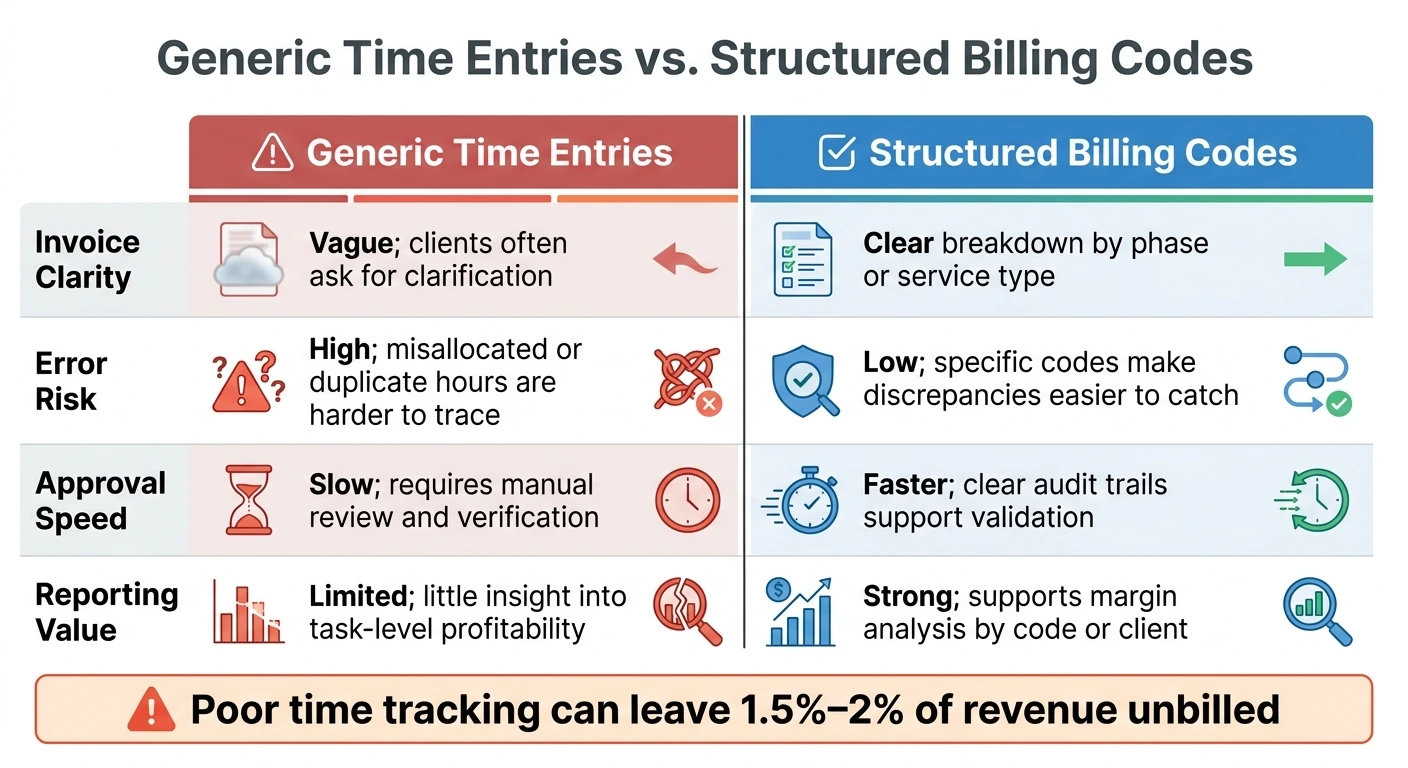
Generic time entries vs. structured billing codes
A catch-all code like GENERAL-WORK causes trouble when it's time to invoice. Clients can't tell what they're paying for, and managers have a harder time approving hours with confidence.
Catch-all codes hide billing detail. Structured billing codes show it.
| Generic Time Entries | Structured Billing Codes | |
|---|---|---|
| Invoice Clarity | Vague; clients often ask for clarification | Clear breakdown by phase or service type |
| Error Risk | High; misallocated or duplicate hours are harder to trace | Low; specific codes make discrepancies easier to catch |
| Approval Speed | Slow; requires manual review and verification | Faster; clear audit trails support validation |
| Reporting Value | Limited; little insight into task-level profitability | Strong; supports margin analysis by code or client |
When you filter by code, you can quickly see which services take the most time and which ones may need better pricing or tighter scope.
Keep your billing code list consistent over time
A billing code system only works when people use it the same way every time. That sounds simple at first. But a few months later, things can get messy. Projects end, new clients show up, and the list starts getting longer than it should.
Archive old codes and document new ones
Once billing codes become part of daily work, keep the list clean and current. When a project ends, archive or deactivate its codes so the active list stays lean and easy to scan. If old codes stay mixed in with active ones, people are more likely to click the wrong entry by accident.
Treat the code list like a living system, not a one-time setup. Review it every month or quarter, and archive codes with little recent use. During the same review, flag any new codes that don't follow your naming format.
It also helps to give one person clear ownership of the list. That person can review code usage, archive inactive items, and approve new labels. Without one owner, small naming issues can pile up fast.
Conclusion: keep codes simple, specific, and tied to billing needs
When billing codes are clear and kept in order, employees choose the right one without second-guessing, managers approve hours faster, and clients get invoices they can actually read. That keeps billing fast, clear, and easy to audit.
How many billing codes should a project have?
The number of billing codes you need depends on how your client work is set up.
Use enough codes to track time with precision and split work by client, project, phase, or service type. That makes invoices cleaner and gives you a much easier way to review where time is going.
Who should manage billing codes?
Billing codes should be managed by a designated group, such as project managers, finance leads, or admin teams, so they stay consistent across the organization.
When one group owns this process, it becomes much easier to avoid duplicate entries, stick to naming rules, and keep reporting clean. That also makes projects, phases, and service types easier to review and invoice the right way.
When should I deactivate old billing codes?
Deactivate old billing codes when they’re no longer needed, like after a project wraps up or when a service type falls out of use.
Review your codes every month or quarter to spot anything outdated or unused. That simple habit keeps your system clean, cuts down on tracking and reporting mistakes, and helps stop your team from logging time to work that can’t be billed anymore.